Remove image backgrounds.
Automatic cutouts at full resolution. Free, no account, no watermark.
- Full resolution up to 16 MP
- No watermark
- Up to 10 images at once
- Processed in memory, not saved
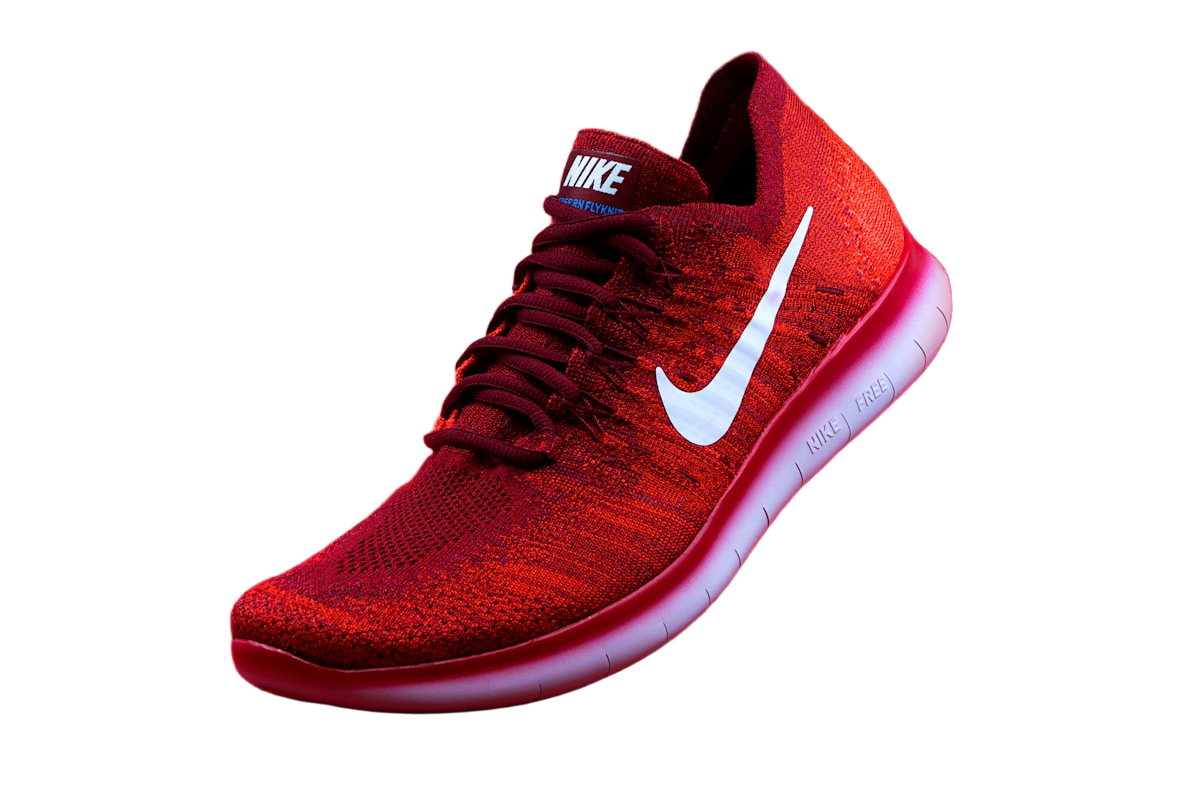
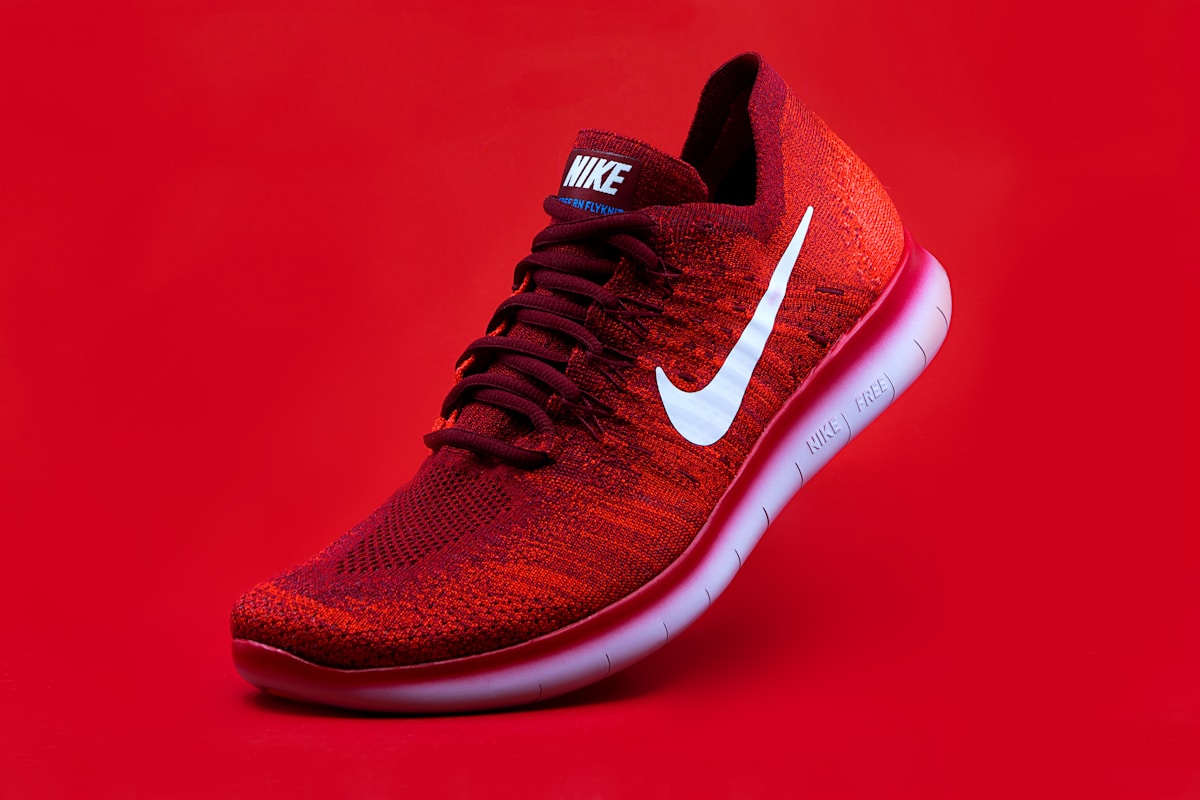
Works on the photos you actually have
Real results from the same model that processes your images.

How it works
- 01
Add your images
Upload, drop, paste, or link up to 10 JPG, PNG, or WebP images at once.
- 02
The background is removed
Removal starts automatically. Fix any edge with the Erase and Restore brushes.
- 03
Download or keep editing
Add a color, gradient, blur, or your own photo, choose a size, and save as PNG, JPG, or WebP.
Looking for a standalone remove.bg alternative?
With the standalone remove.bg website shutting down on 1 December 2026 and moving into Canva, Cutout Lab keeps the fast, single-purpose workflow alive: drop or paste an image, refine the mask, and download immediately without opening a full design suite.
Read the December 2026 switching guide · API migration- Upload, automatic removal, and download, with nothing to install
- Full-resolution downloads with no credits and no watermark
- No account needed, and no image library kept on our side
- Batches of up to 10 images, downloaded together as a ZIP
- Backgrounds, marketplace and passport sizes, and PNG, JPG, or WebP export
Cutout Lab is independent and not affiliated with remove.bg, Kaleido AI, or Canva.
Cleaner backgrounds for product photos
Prepare product photos for background removal, inspect fine edges, and export consistent listing images without changing your product's appearance.
Create and use a transparent PNG
Learn how PNG transparency works, export a cutout without a background, and avoid white rectangles when placing it in another design.
How to remove a background around hair
Keep natural-looking hair edges when removing portrait backgrounds. Learn how lighting, partial transparency, and careful refinement affect a cutout.
Put product photos on a pure white background
Create a pure white product image with consistent framing for marketplaces and catalogs, and check the edges that white backgrounds expose.
How AI background removal models evaluate edges
Understand dichotomous image segmentation, soft alpha masks, how U²-Net, IS-Net, BiRefNet, and SAM differ, and why IoU and Dice scores explain cutout quality.
Client-side mask upscaling for 16 MP cutouts
See why uploading a 25 MB photo is unnecessary for AI segmentation, and how applying a 2.5 MP alpha mask to your local canvas preserves 16 MP pixel detail.
Frequently asked questions
Is Cutout Lab free?
Yes. Removing backgrounds and downloading the full-resolution result is free, with no account and no watermark.
What images can I upload?
Non-animated JPG, PNG, or WebP images up to 25 MB and 40 megapixels. Images larger than 16 megapixels are scaled to 16 megapixels in your browser, and the download uses that size.
Do you store my images?
No image library is kept. Your image is sent to the removal service, processed in memory, and the result is returned to your browser. Backgrounds, resizing, and downloads happen on your device.
Can I remove backgrounds from several images at once?
Yes. Add up to 10 images at once by selecting or dropping them together, switch between them, and download all finished cutouts as a ZIP.
Which formats can I download?
PNG keeps transparency. JPG and WebP are smaller; JPG always uses a solid background. You can also copy the cutout straight to your clipboard.
Is Cutout Lab a standalone alternative now that remove.bg is moving to Canva?
Yes. With the standalone remove.bg website closing on 1 December 2026, Cutout Lab offers a dedicated, single-purpose browser remover where you can drop, paste (Ctrl+V), or batch-process up to 10 images and download full-resolution cutouts without a design suite account.
Is there an API?
Yes. Cutout Lab provides an HTTP API with a /v1.0/removebg endpoint and X-Api-Key authentication. Visit the API page to request a free key.