Start from one transparent master
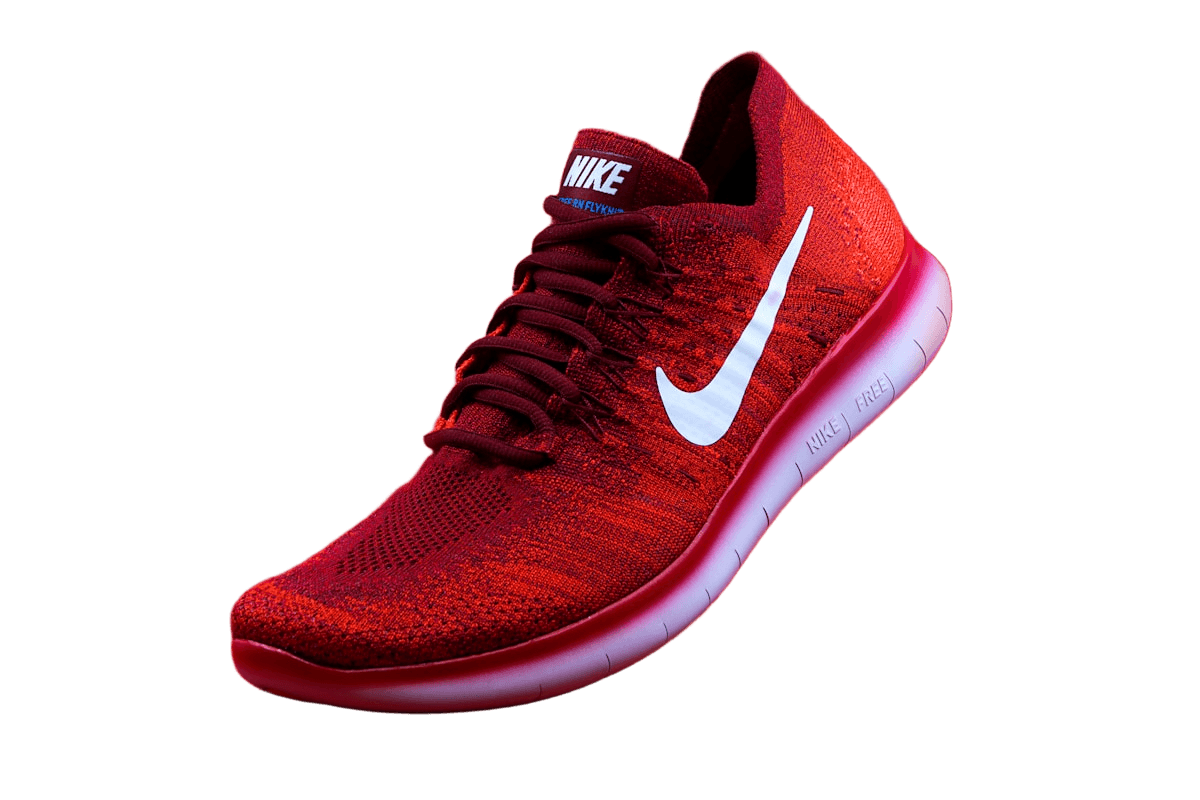
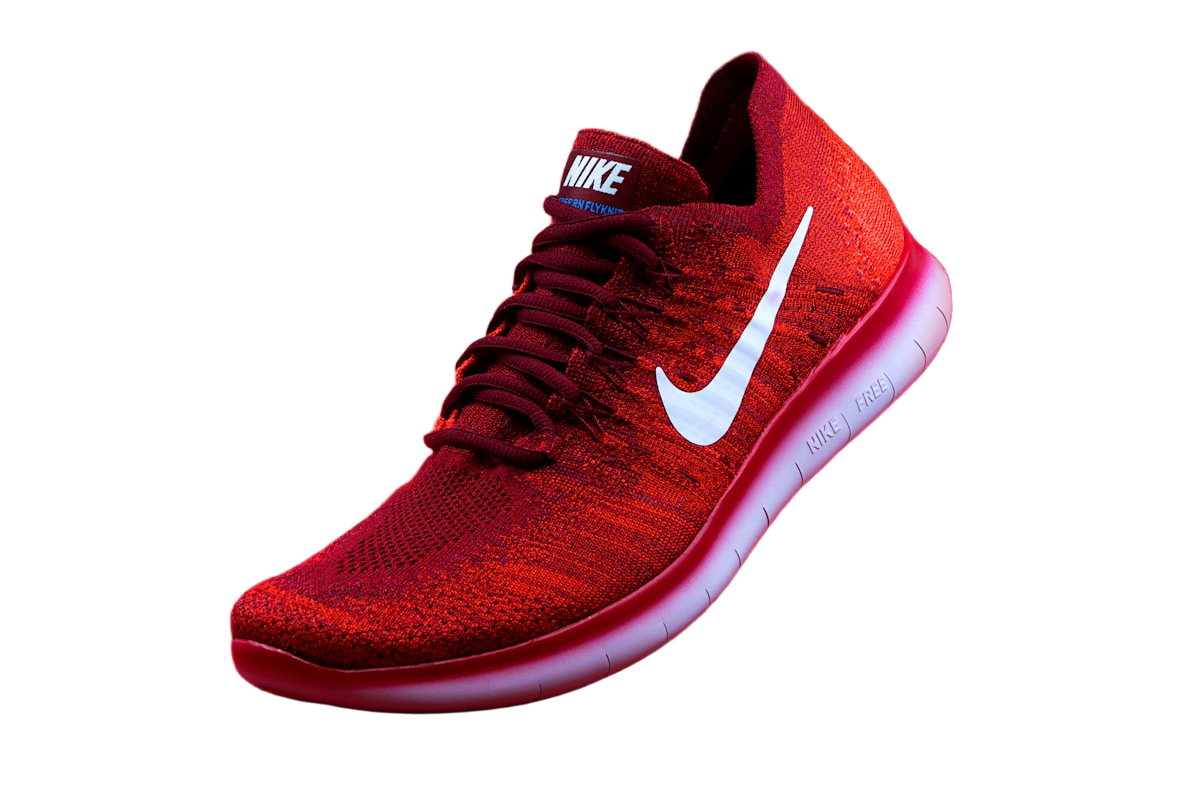
Separate the product master from the storefront copies. Remove the background once, refine the edges, and save a transparent PNG using Original size. This uses the working dimensions, which are reduced for uploads above 16 megapixels. Keep the source photo too: a cutout cannot show packaging, scale, or context that was never photographed.
There is no universal marketplace preset that certifies a listing. The same 2000-pixel square may be useful in several stores, but background, product occupancy, thumbnail cropping, and category rules still need separate checks. Use each platform's current guidance before preparing a large catalog.
Amazon: pure white main image
For an Amazon main image, check the applicable category's image rules in Seller Central, including background, product occupancy, and permitted accessories or packaging. Do not assume secondary-image allowances apply to the main image. A cutout of one shoe also cannot establish that the listing includes a pair; the photo needs to represent what is actually sold.
The Marketplace preset creates a 2000 by 2000 square and changes Transparent to White. If a color or photo background is already selected, it stays selected, so verify White explicitly. With Fit subject and 7 percent padding, the longest detected dimension occupies 1720 pixels, or 86 percent of the canvas. Treat this as a starting calculation, not proof of compliance: leftovers and included props affect the detected bounds.
Shopify: consistency across the collection
Shopify's product-media documentation recommends 2048 by 2048 pixels for square images and a consistent aspect ratio for collection images. That is guidance, not a rule that all product photos must be square or white. The theme controls how the image appears in a grid and on the product page.
Cutout Lab's Marketplace preset is 2000 by 2000, not 2048 by 2048; Square is 1080 by 1080. Choose a canvas that suits your theme rather than enlarging a small source just to match a recommendation. Test a wide product and a tall one in the real collection grid. Keep padding as a recorded starting point, but compare the perceived size of each item.
Etsy: plan for the thumbnail crop
Check Etsy's current image guidance and the listing's thumbnail adjustment before deciding on a crop. A wide object can fit the uploaded photo yet lose an end in a tighter preview. Review both the full listing image and the smallest thumbnail, with important details away from the crop boundary.
Use supporting photos to show scale, texture, and what is included. A replacement background should not make a small item appear larger or imply that props are part of the purchase. If you place a product on a table photo, check perspective and contact shadows; a real contextual photo may communicate those facts more accurately than a composite.
One preset does not create three finished listings
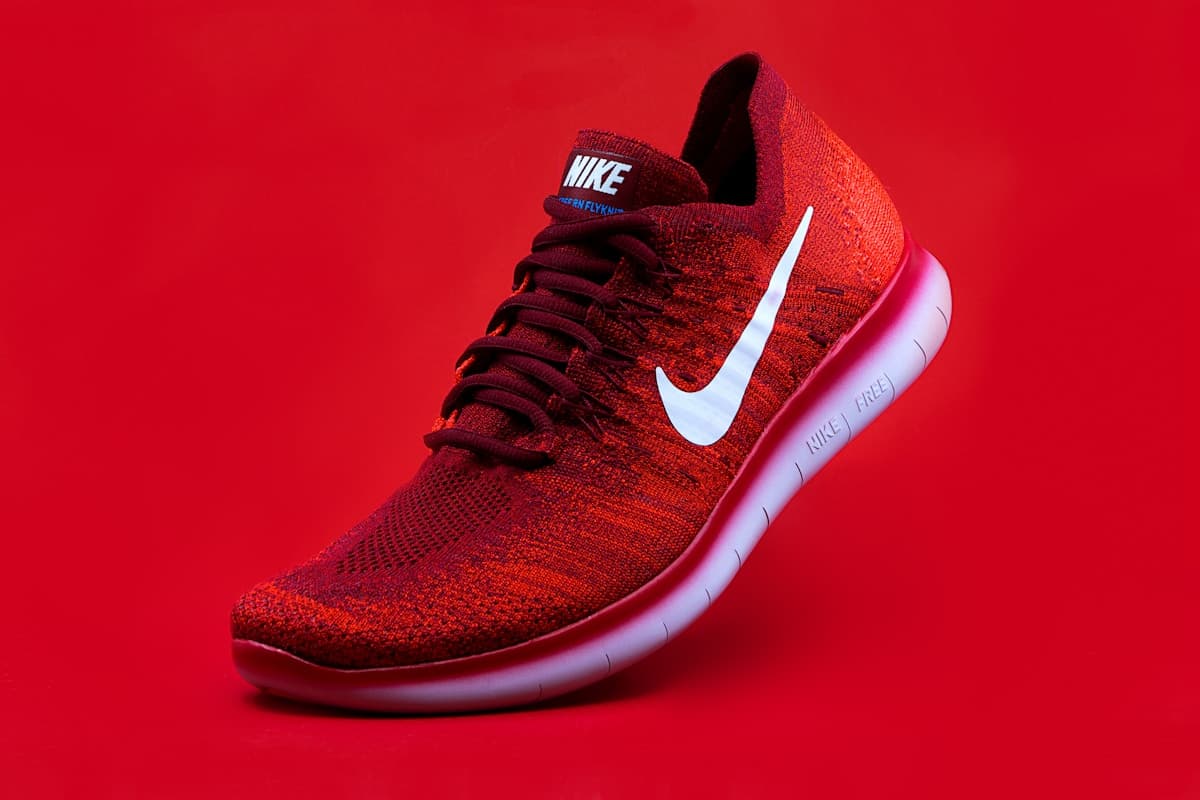
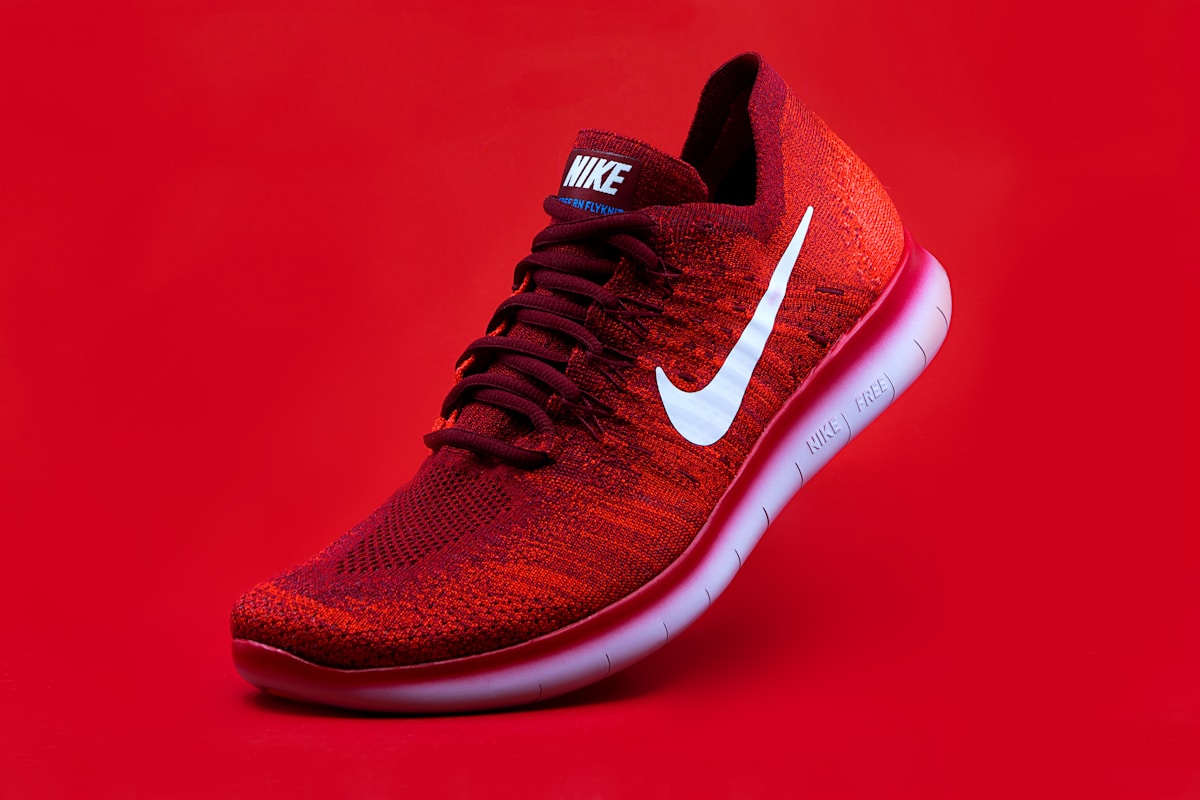
For the shoe sample, test three things separately: the sole and toe against a white main-image background, its apparent size beside other products in a collection grid, and whether the toe survives a thumbnail crop. These checks answer different questions. A clean outline alone does not answer any platform's requirements for the complete listing.
Keep the platform's specification separate from your chosen settings. Record the destination, output dimensions, format, background, padding, and the result of the storefront preview. This gives you a repeatable recipe without turning a remembered recommendation into an invented rule.
A repeatable routine for a catalog
When you have a set of products to list, the routine below keeps every image consistent without re-editing.
- Add up to 10 product photos at once. Removal runs on each in turn.
- Open each image from the strip above the editor and fix any edge problems with Erase and Restore area.
- Download a transparent PNG master of each product and keep the masters in one folder.
- For each marketplace, choose its background and preset, then download a copy named for that store.
- Check one finished image of each kind in the real storefront preview before uploading the rest.