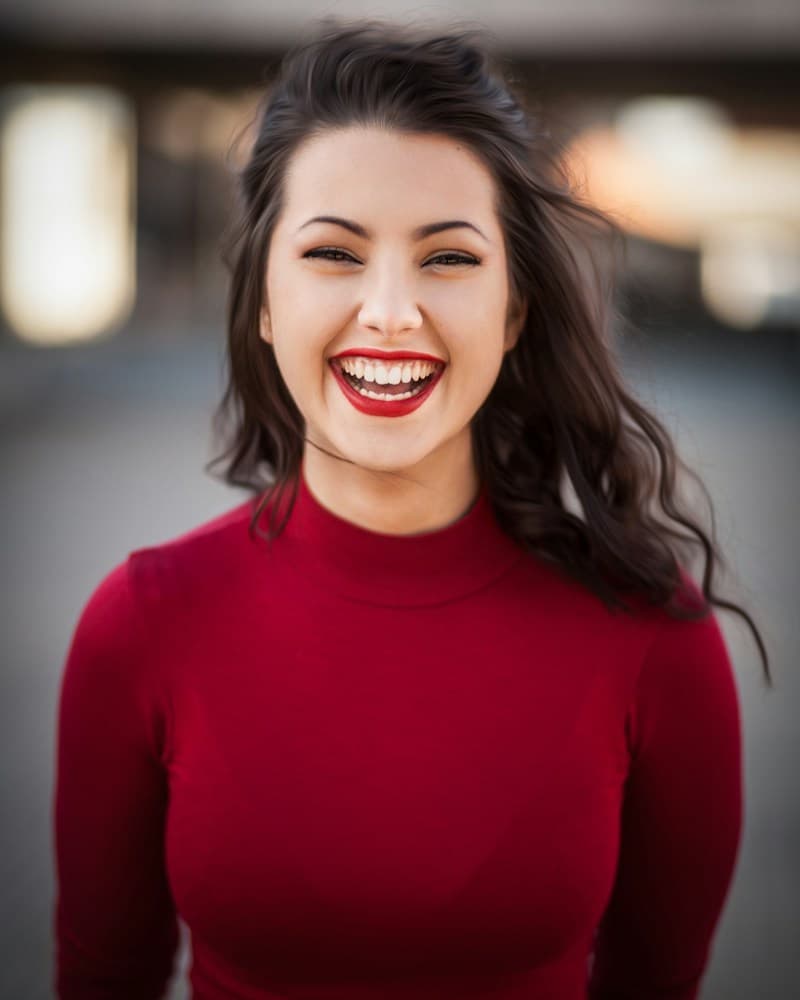
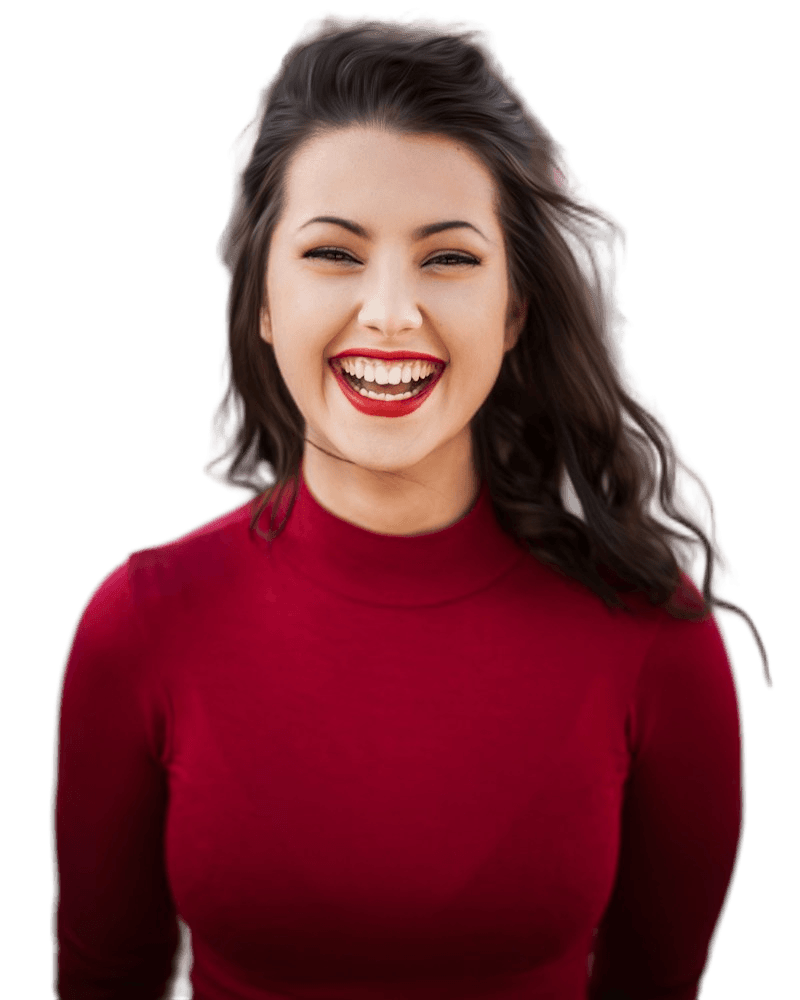
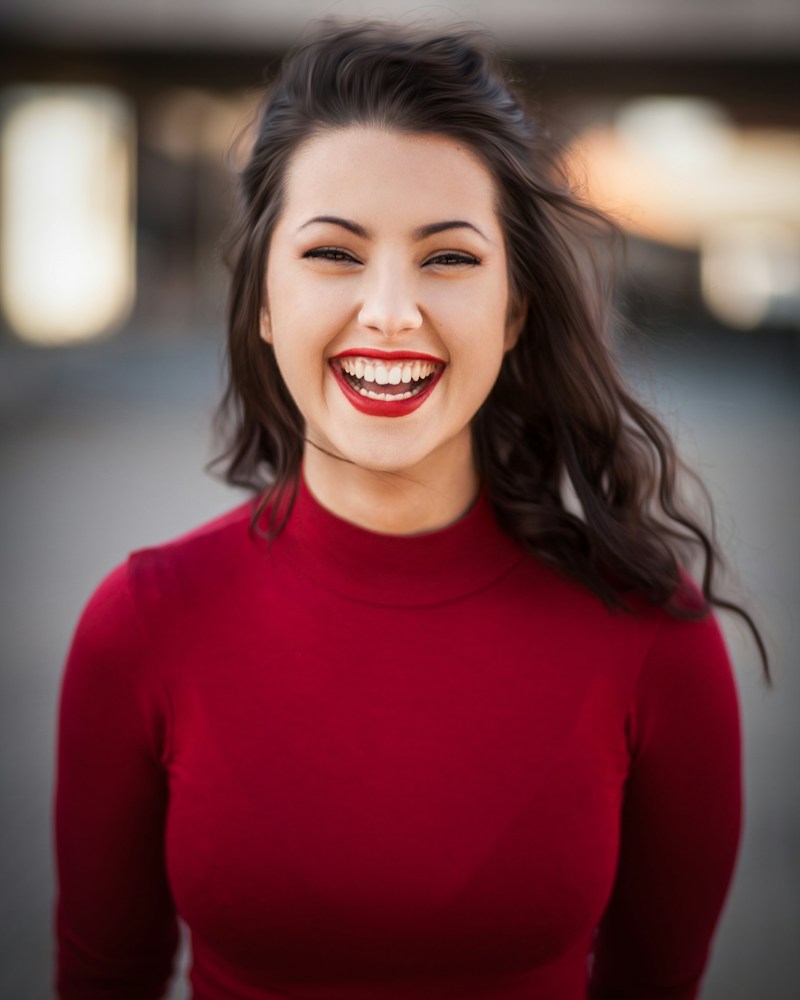
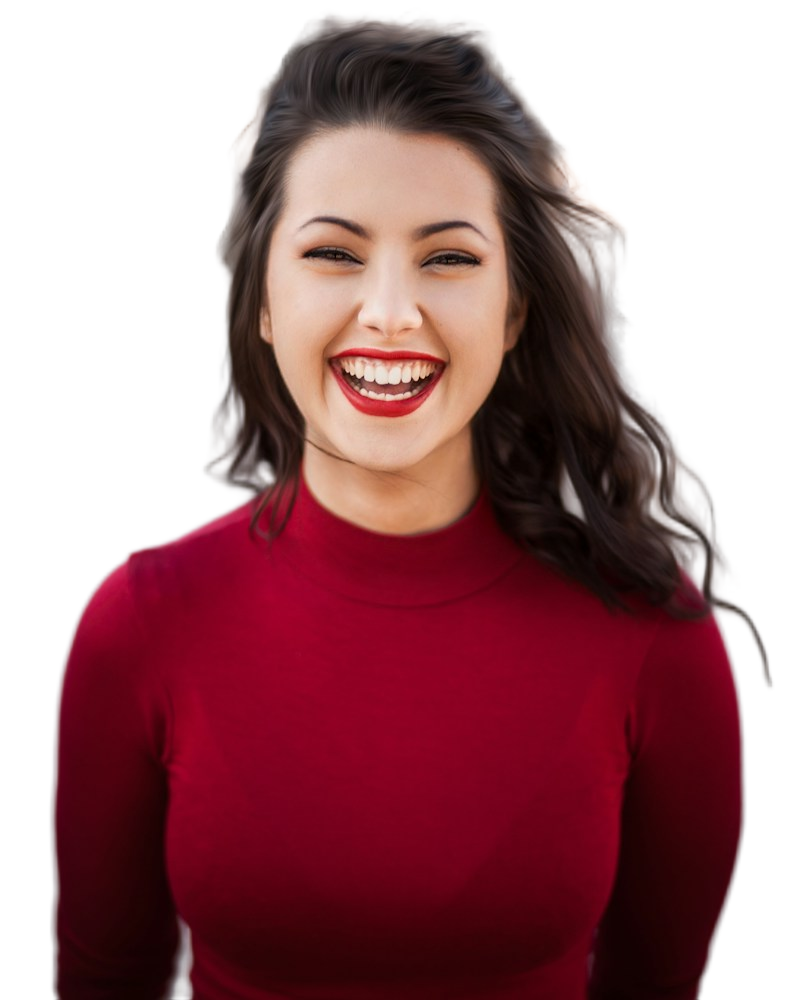
Check the official rules first
Check the issuing authority's rules before uploading or editing, including whether any software alteration is allowed. A rule against alteration can include replacing a background even when the face is untouched. GOV.UK's printed passport-photo guidance requires photos to be unaltered by computer software and taken against a plain cream or light gray background. Making that photo white in an editor is not a compliant shortcut.
Read the guidance for your exact document and application route, not a general passport-size chart. Background color, dimensions, head size, expression, recency, and file format may differ. Cutout Lab cannot certify acceptance. If alteration is prohibited or unclear, take a new photo against the required background or use the authority's recommended photo service.
Take a photo that needs little editing
Use the specified physical background and even lighting. Leave enough distance from the wall to avoid a visible shadow, and review the photo for shadows behind the head as well as on the face. Follow the authority's pose and expression instructions. A sharp, correctly lit original is more useful than a heavily repaired photo.
For uses that explicitly permit background replacement
An internal badge or another non-passport use may permit edited backgrounds. Use the following workflow only when the recipient allows it. The Passport preset is a 600 by 600 pixel square, not a country-specific compliance tool, and it does not measure head size or eye position.
- Confirm that the recipient permits editing and that you are comfortable sending the portrait to a network-based processing service. Removal starts automatically on upload.
- Inspect the outline in Compare. If removal changes the face or loses important hair detail, use a better source rather than relying on cosmetic repairs.
- Choose Passport only if a 600 by 600 square suits the destination. It changes a transparent background to white; an already selected color remains selected.
- Inspect the framing in the Cutout view. Padding fits the whole detected subject, not the head alone, so verify any head-size requirement separately.
- Download the required format, then check the actual file in the recipient's preview. A successful upload is not confirmation of acceptance.
Do not change the face
Do not reshape facial features, change skin tone, or paint over reflections as a way to meet official requirements. Retake an unsuitable photo. Leaving the face untouched is necessary for many identity-photo uses, but it does not make otherwise prohibited background editing acceptable.
Other sizes and printing
A 600 by 600 pixel image is 2 by 2 inches only when the print workflow is set to 300 pixels per inch with no scaling. Pixel dimensions alone do not instruct a printer to use that physical size. Check the print dialog and measure the output rather than assuming the preset sets the paper dimensions.
For example, GOV.UK specifies 35 by 45 millimeters for printed passport photos, along with separate head-height and image-quality rules. A square preset does not meet that aspect ratio. Use a photo taken and prepared according to the authority's instructions, rather than stretching a square or replacing its background.